
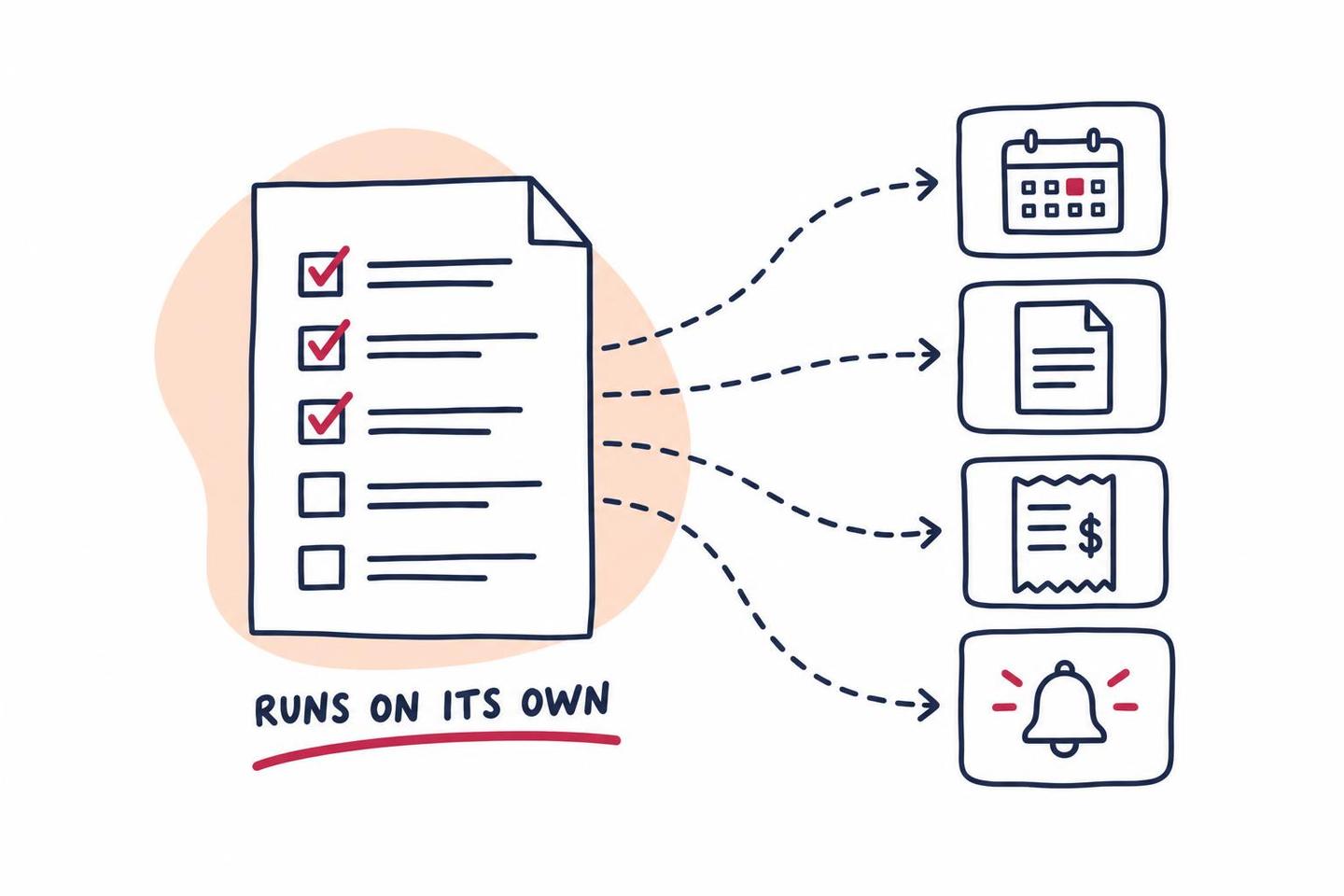
When people hear workflow automation, they tend to picture something large: a new platform, a migration, a consultant with a slide deck. For most professional services firms it’s much smaller than that. It’s the handful of tasks someone repeats every week, copying details from one place to another, sending the same reminder, chasing the same missing document.
Those tasks are where the hours go. They’re also the easiest place to start, because the rules already exist. Someone on your team follows them every day without thinking about it.
Below are ten workflow automation examples that apply across law, accounting, financial services, insurance and real estate firms, what each one replaces, and how to tell which to tackle first.
What Makes a Task Worth Automating
Not every task should be automated. The good candidates share a few traits:
- It happens often. Weekly or more is a good threshold.
- It follows rules you could write down. If the steps change based on judgment, it’s a poor fit.
- It moves information between systems. Retyping the same details into a CRM, a practice management tool and an email is the classic sign.
- A delay costs something. A slow reply loses a prospect, a missed reminder pushes a deadline, an unsent invoice stretches cash flow.
If a task hits three or four of those, it’s worth a closer look. If it hits one, it probably isn’t worth the setup.
1. New Inquiries Get Logged and Routed
A prospect fills in your website form or leaves a voicemail. Today someone has to notice it, copy the details into your system, decide who should handle it, and reply.
Automated, the inquiry becomes a record in your CRM or practice management system the moment it’s submitted. It’s routed by type, location or practice area to the right person, and the prospect gets an immediate reply confirming you’ve got it and what happens next. Nothing sits in a shared inbox waiting for someone to claim it.
This one matters more than it looks, because response time decides a lot of new business. We cover that in detail in Speed to Lead for Professional Services Firms.
2. Client Onboarding Runs Itself
Once someone says yes, onboarding is usually a checklist: send the engagement letter, collect signatures, request ID and documents, set the client up in your systems, create the folder, introduce the team, book the kickoff.
Each of those steps can trigger the next. A signed engagement letter creates the client record, which creates the folder, which sends the welcome email with the document request and a booking link. Staff step in only where judgment is needed, such as a conflict check or a risk review.
Client onboarding automation is often the best first project, because it touches every new client and the steps rarely change.
3. Document Collection Chases Itself
Accountants know this one well. Much of tax season is spent waiting on documents, and a lot of staff time goes into asking for them again.
An automated document request sends the client a list of exactly what’s needed, a secure place to upload it, and reminders on a schedule until each item arrives. As files come in, the checklist updates and the reminders stop for those items. When everything’s in, the file moves to the next stage and the preparer is notified.
The same pattern works for loan files, insurance applications, discovery requests and property management paperwork.
4. Appointments Book and Remind on Their Own
Back and forth emails to find a time are pure overhead. A booking link tied to real calendar availability removes them. Automated reminders by email and text, a day before and an hour before, cut no-shows and give clients an easy way to reschedule instead of simply not turning up.
Pair it with intake: the booking confirmation can ask the two or three questions the meeting needs answered in advance, so nobody spends the first ten minutes gathering basics.
5. Engagement Letters Go Out for Signature
Generating an engagement letter usually means opening a template, filling in the client’s name, scope and fee, saving it, and emailing it. That’s a few minutes each time, plus the follow-up when it isn’t signed.
Automated, the letter is generated from the details already captured at intake, sent for e-signature, and followed up automatically if it sits unsigned. When it’s signed, the next step in onboarding starts.
6. Deadlines and Renewals Stop Relying on Memory
Filing deadlines, statute of limitations dates, policy renewals, annual reviews, license renewals and lease expirations share one weakness: they live in someone’s head or a spreadsheet.
An automated tracker creates the deadline when the matter or policy is opened, reminds the right person on a set schedule as it approaches, and escalates to someone else if nothing’s been done. For client renewals, it can start the outreach weeks ahead on its own, so the conversation happens before the client starts shopping around.
7. Invoices Go Out and Payments Get Chased
Invoice automation is one of the most common examples for a reason. Invoices that go out late get paid late, and nobody enjoys chasing overdue balances.
The workflow sends invoices on schedule or when work is marked complete, includes a payment link, and sends polite reminders at set intervals after the due date. Payments are matched back to the invoice in your accounting system, and anything past a set threshold is flagged for a person to call.
8. Clients Get Status Updates Before They Ask
Plenty of the calls a firm takes are some version of "where are things at?" Each one interrupts someone who then has to go and look it up.
When a matter, return, loan or claim moves from one stage to the next, an automated update can tell the client what just happened and what comes next. That means fewer calls, and clients who feel looked after rather than left wondering.
9. Review Requests Go Out at the Right Moment
The best time to ask for a review is right after a good outcome: a closed matter, a filed return, a completed purchase. It’s also the moment everyone’s busy moving on to the next thing.
An automated request goes out a set number of days after the work closes, with a direct link to your review profile, and stops if the client has already left one. Check your professional rules first. Some, particularly in law and financial services, limit how testimonials can be requested and used.
10. Internal Handoffs Stop Falling Through the Cracks
Work changes hands constantly: intake to an attorney, preparer to reviewer, agent to processor. Each handoff is a chance for something to sit unnoticed.
An automated handoff assigns the task, notifies the next person with everything they need in one place, and flags it if it hasn’t moved within a set time. Managers can see what’s stuck without asking around.
What These Look Like by Industry
The same patterns show up everywhere, under different names:
- Law firms: intake and conflict check routing, engagement letters, court and statute deadlines, matter status updates.
- Accounting firms: document collection, organizer reminders, e-file status updates, invoicing at the end of an engagement.
- Financial advisers: onboarding paperwork, annual review scheduling, required document collection, follow-up after meetings.
- Insurance agencies: quote follow-up, renewal outreach, certificate requests, claim status updates.
- Real estate: lead routing, showing reminders, transaction milestone updates, maintenance requests for property managers.
Our industry pages go into each of these in more detail.
What Shouldn’t Be Automated
Automation is good at moving information and keeping time. It’s bad at judgment, and it shouldn’t be asked to fake it.
- Advice. An automated message can acknowledge a question and book a call. It shouldn’t answer a legal, tax or financial question.
- Bad news. A declined claim, a missed deadline or an unexpected bill deserves a person.
- Anything you’d be embarrassed to get wrong. If a mistake would damage trust, keep a human checkpoint in the flow.
The aim is to give your people more time for the conversations that need them, not to take people out of the relationship.
How to Choose Your First Workflow
Start by listing everything your team repeats in a typical week. For each one, estimate how often it happens and how long it takes. Multiply the two and you’ve got a rough weekly cost in hours.
Pick something near the top of that list that’s also low risk if it goes wrong. Intake routing, appointment reminders and document chasing are usually good first candidates. Build it, watch it run for a few weeks, fix whatever’s awkward, then move on to the next one.
The second and third workflows tend to go faster than the first, because they reuse the connections between your systems that the first one set up.
If you’d like help mapping your own list, that’s exactly where our workflow automation work begins.

 You’ll talk to Andrew directly.