
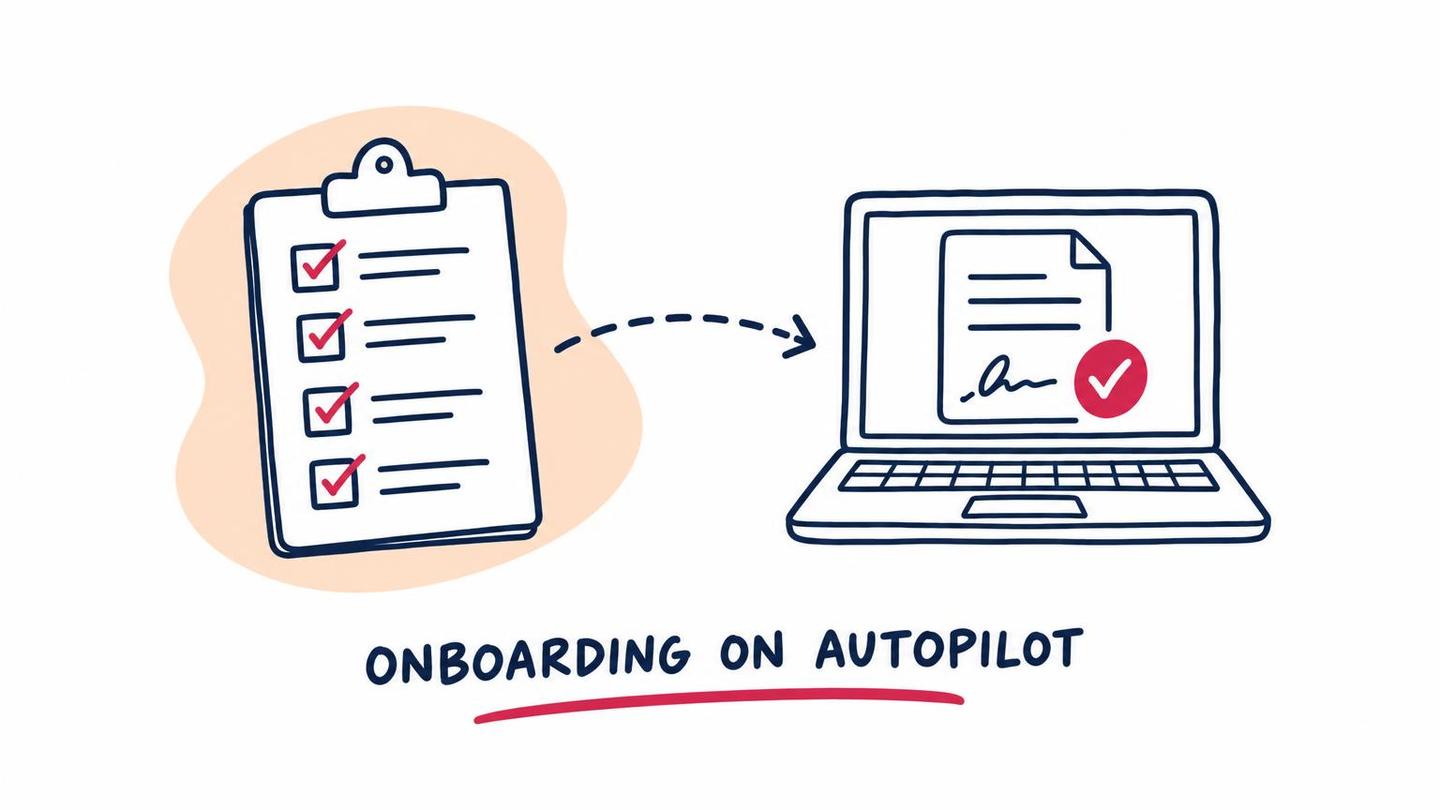
A new client says yes, and then the real work starts: the engagement letter, the intake form, the ID, the conflict check, the first invoice, the welcome email. Most firms do all of it, but in a different order each time, from a checklist that lives in someone’s head or in a document nobody has updated since the last hire.
That’s where onboarding goes wrong. The client signs, then waits. Documents arrive in pieces. Someone forgets the engagement letter until the first piece of work is already done. A good client onboarding checklist fixes that, and automating the repeatable parts of it fixes it for good.
This is the checklist we’d start with for a small professional services firm, and a clear view of which steps to automate and which to leave to a person.
What a Client Onboarding Checklist Should Cover
A client onboarding checklist is the ordered list of everything that has to happen between "yes" and the first piece of real work. Its job is to make sure nothing is skipped, nothing is done twice, and the client always knows what comes next.
The best ones answer four questions for every step: who owns it, what triggers it, what does it need from the client, and what marks it done. If a step can’t answer those, it isn’t ready to be on the list yet.
The Client Onboarding Process, Step by Step
Here’s the sequence most firms need, whether the client is a family with an estate plan or a small business that needs a bookkeeper.
- Confirm the engagement. Record who the client is, what you’ve agreed to do and who at your firm owns the relationship.
- Run conflict and eligibility checks. Law firms need conflict checks. Other firms have their own acceptance rules. Do this before you collect anything sensitive.
- Send the engagement letter and get it signed. Nothing starts until this is back.
- Collect the intake information. One form, sent once, with only the questions you need.
- Collect documents and identification. Request them in a single list, with a due date.
- Set up the client in your systems. Practice management, billing, document storage and your CRM.
- Set up billing. Payment method, retainer or deposit, and the first invoice schedule.
- Send the welcome message. What happens next, who to contact, and when they’ll hear from you.
- Hold the kickoff. A short call or meeting to confirm scope and timing.
- Check in after the first week. A quick note to catch anything that’s confusing or missing.
Which Onboarding Steps to Automate
Not every step on that list is worth automating. The rule we’d use: automate anything that is the same every time and waits on a form, a signature or a reminder. Keep anything that needs judgment or a relationship.
Good candidates:
- Sending the engagement letter. Once a client is confirmed, the right letter is generated from a template, filled in with their details and sent for e-signature.
- Intake and document requests. The client gets one link with everything they need to provide, and the answers land in your system instead of an inbox.
- Reminders. Polite, scheduled nudges for the client when something is outstanding, so nobody on your team has to chase.
- Record creation. Details entered once flow into your CRM, billing and file storage, so nobody retypes them.
- The welcome sequence. A confirmation right away, a clear next-steps message, and a kickoff invitation with a booking link.
- Internal task creation. Your team gets the tasks, with owners and due dates, the moment the engagement is signed.
Better left to a person: deciding whether to accept the client, reviewing conflict results, explaining scope, and the kickoff conversation itself. Automation should clear the paperwork out of the way so those conversations happen sooner and with better information.
Client Onboarding Automation: A Simple Example
Picture an accounting firm taking on a small business client. The partner confirms the engagement in the CRM. That one action does the rest:
- The engagement letter is generated and sent for signature.
- Once it’s signed, the client gets a single link to an intake form and a document checklist.
- The client’s details create a record in the practice management system and a customer in the billing system.
- Reminders go out every few days for anything still missing, and the owner sees a short list of what’s outstanding.
- When everything is in, the team gets a task to book the kickoff, with the intake answers attached.
Nobody retyped anything, and nobody had to remember to chase. The same pattern works for a law firm’s new matter, an adviser’s new household, an insurance agency’s new policyholder or a property manager’s new owner. Only the documents change. We cover more patterns like this in workflow automation examples for professional services firms.
Where Onboarding Stalls
If your onboarding is slow, it’s usually one of these:
- Waiting on the client. Documents trickle in, and nobody follows up on a schedule.
- Waiting on a signature. The engagement letter sits unsigned while work quietly begins.
- Waiting on the firm. One person has to create the accounts, and they’re busy.
- Scattered information. The answers are in an email, a PDF and a spreadsheet.
Each of these is a workflow problem, not a people problem, which is why they respond so well to a bit of automation. The first impression matters too. Onboarding is the first time a client sees how you work, and the same speed that wins the inquiry, which we wrote about in speed to lead for professional services firms, should carry through the first week.
Compliance Notes for Regulated Firms
Automated onboarding messages should acknowledge, request and schedule. They shouldn’t give legal, tax or investment advice. Professional rules still apply to everything around them: bar rules on conflicts and engagement terms, adviser and broker requirements for identity verification and records, privacy rules for the information you collect, and your carrier’s requirements if you text clients.
Use secure document upload rather than email attachments for anything sensitive, collect only what you need, and keep a record of what was sent and signed. If you’re unsure what your profession requires, check with your regulator or your compliance lead before you automate that step.
How to Start
Don’t automate everything at once. Write down your current checklist, mark which steps are the same every time, and pick the one that costs the most time or gets forgotten most often. For many firms that’s the engagement letter or the document chase.
Build that one step, run it for a few clients, and fix what you learn. Then add the next. Within a few months the checklist runs itself, and your team spends its time on clients instead of on paperwork.
If you’d like help turning your onboarding into a workflow that runs on its own, take a look at our workflow automation services, or see how we approach legal and accounting firms.

 You’ll talk to Andrew directly.