
A client doesn’t show up for a one-hour consultation. You’ve cleared the time, read the file and maybe turned down another booking. Now you’re waiting, and nobody can bill for the hour.
Most firms know this feeling and treat it as the cost of doing business. It’s usually a reminder problem. The client didn’t forget because they don’t care. They forgot because the booking was made two weeks ago and nothing has reached them since. Automated appointment reminders close that gap without anyone on your team sending a single message by hand.
This guide covers what to send, when to send it, and which parts of the job should stay with a person.
What Are Automated Appointment Reminders?
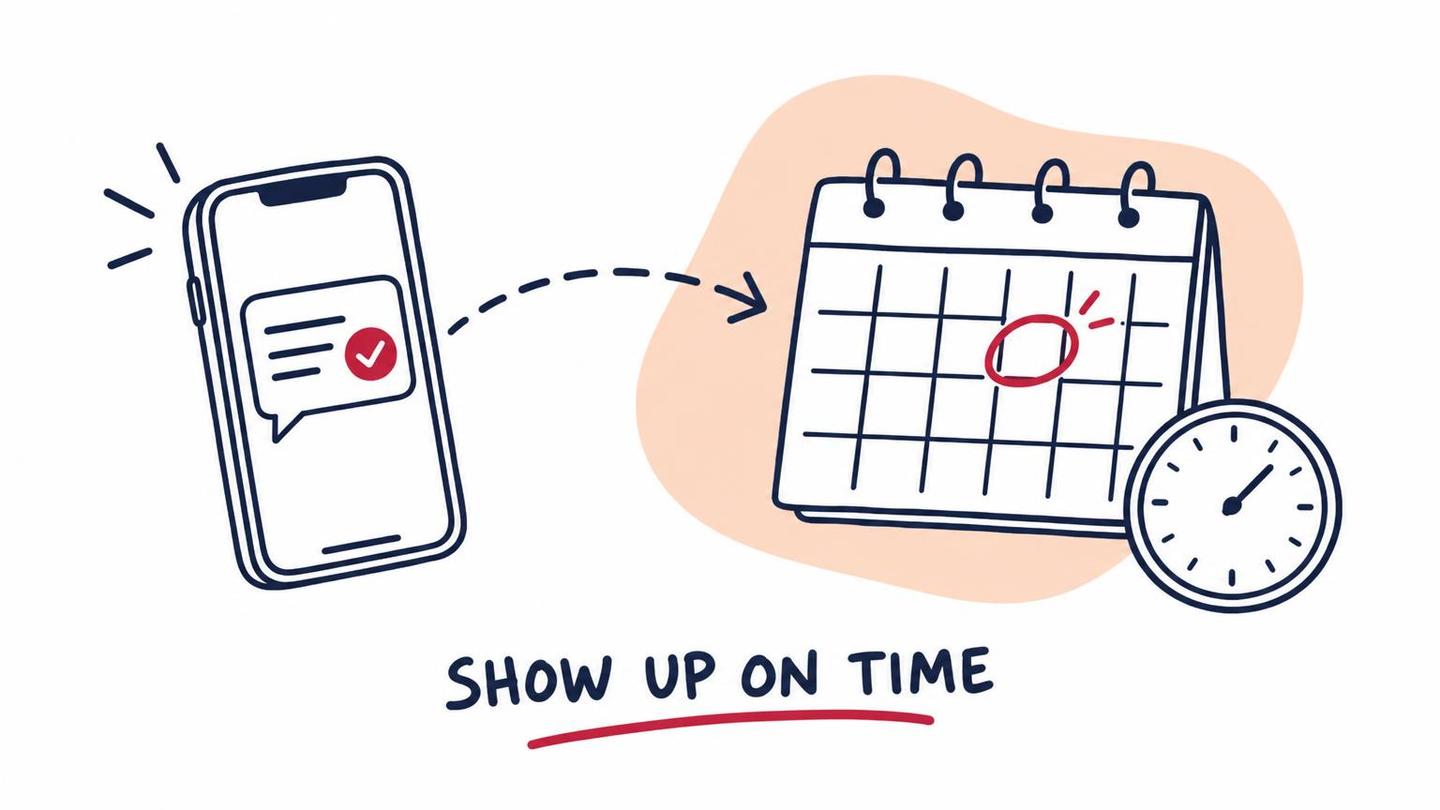
Automated appointment reminders are messages that go out on their own, triggered by a booking in your calendar or practice management system. The client books, and a confirmation goes out. As the date gets closer, one or two reminders follow. If the client needs to move the appointment, the message gives them a way to do it.
They usually travel by text message and email, and sometimes by phone. The point isn’t the channel. It’s that the reminder is tied to the appointment itself, so it’s sent every time, to every client, with the right date, time and location.
Why Clients Miss Appointments
Clients miss appointments for ordinary reasons, and most of them can be fixed with a message:
- They forgot. The booking was made long ago and nothing has mentioned it since.
- They aren’t sure of the details. The time, the address, the video link or which door to use.
- Something came up and rescheduling felt awkward. If it takes a phone call, many people just don’t call.
- They didn’t know what to bring. A client who isn’t ready sometimes skips the meeting rather than show up unprepared.
A good reminder sequence answers each of these. It repeats the details, makes changing the booking easy, and says what to bring.
What to Send, and When
You don’t need a long sequence. For most professional services firms, three messages are enough.
- Confirmation, right after booking. Date, time, location or link, who they’re meeting and what to bring. This is the message the client will search for later, so make it complete.
- A reminder a day or two before. A short text with the time and a one-tap way to confirm or reschedule. Texts get read quickly, so keep the wording brief.
- A same-day nudge for longer meetings, optional. A short note a few hours ahead, mostly useful for appointments that took a long time to schedule or that involve travel.
Pick timings that fit your work. A first consultation booked a month out may deserve an extra reminder a week before. A recurring monthly bookkeeping call probably doesn’t.
How to Write an Appointment Reminder Text
An appointment reminder text should do one job: help the client show up. A few habits keep it useful:
- Lead with the firm name and the time. The client should know who it’s from and when, at a glance.
- Include one clear action. Reply to confirm, or tap a link to reschedule. Skip the extra phone numbers and email addresses.
- Keep it short. If it needs a scroll, it’s an email.
- Sound like your firm. A friendly, plain message works better than stiff boilerplate.
A simple example: "Hi Dana, this is Rivera Accounting. A reminder that we’re meeting tomorrow at 2:00 PM in our office. Reply C to confirm or use this link to pick another time."
Make Rescheduling Easy
Reminders reduce no-shows mostly by giving clients an easy exit that isn’t silence. If someone can’t make it, you’d far rather hear about it a day early than find an empty chair.
Let clients reschedule from the reminder itself, through a link to your booking page. When they do, the system should update the calendar and release the old slot, so someone else can use it. That last step matters. A reminder that only tells you who isn’t coming still leaves you with a hole in the day.
Rules to Keep in Mind for Regulated Fields
Law, accounting, insurance, financial services and real estate firms have extra things to think about. Keep these general principles in mind, and check the specifics with whoever handles compliance for your firm:
- Acknowledge and schedule, don’t advise. A reminder should say when and where you’re meeting. It shouldn’t contain advice, case details or anything sensitive. A text message can end up in front of the wrong person.
- Keep details minimal. "Your appointment tomorrow at 2:00 PM" is safer than naming the matter or the topic.
- Get consent for texting. Clients should agree to receive text messages, and business texting in the US generally requires carrier registration. Set this up before you switch anything on.
- Follow your professional rules. Bar rules, adviser communication and marketing rules and your own compliance policies still apply to automated messages. Keep a record of what was sent.
What to Automate and What to Keep Human
Reminders are one of the easiest things to automate because they’re the same every time and depend on a date. Automate these:
- Confirmations and reminders tied to the booking.
- Reschedule and cancel links that update the calendar.
- Follow-up after a missed appointment, offering a new time.
Keep these with a person:
- High-stakes meetings. A signing, a closing or a hearing prep may deserve a personal call as well.
- Clients who’ve missed before. A short human note works better than another automated one.
- Anything sensitive. If the reminder would need to say more than the time and place, it’s not a reminder.
Connecting Reminders to the Rest of Your Workflow
Reminders work best when they’re one step in a larger flow, not a standalone tool. A new booking can create the client record, send the intake form and request documents ahead of the meeting. The same system can send a thank-you afterward and a prompt for the next step. We covered the front of that flow in our post on speed to lead, and the steps that come right after a client says yes in our client onboarding checklist.
For legal practices, an intake and scheduling workflow can confirm consultations and collect basics before anyone sits down. For accounting firms, the same approach works for tax season meetings and document deadlines.
How to Start
Start small and measure it yourself:
- Count your current misses. For a month, note how many appointments end in a no-show or a late cancel.
- Turn on a confirmation and one reminder. Use the tools you already have first. Many booking and practice management systems include reminders.
- Add rescheduling. Make sure a cancelled slot goes back on your calendar.
- Review after a month. Compare against your count, adjust the timing and wording, and only then add more.
If your current tools don’t connect to each other, or you want reminders that tie into intake, billing and follow-up, that’s where a studio helps. Our workflow automation service builds these flows around the way your firm already works, so the reminders feel like part of your practice, not a bolt-on.

 You’ll talk to Andrew directly.